
How to Use FormatSwiss
A simple guide to creating perfectly formatted documents in seconds
What Does This Tool Do?
FormatSwiss helps you create beautiful, professionally formatted documents without any technical knowledge. Simply upload your company's document template (with your logo, colors, and styling) and your content, and we'll merge them together automatically.
Think of it like this: You have a beautifully designed letterhead, and you want to write a new letter on it. Instead of copying and pasting everything manually, FormatSwiss does it for you automatically while keeping all the styling perfect.
Step-by-Step Guide
Open the Generator
When you first visit FormatSwiss, you'll see a clean interface like this:
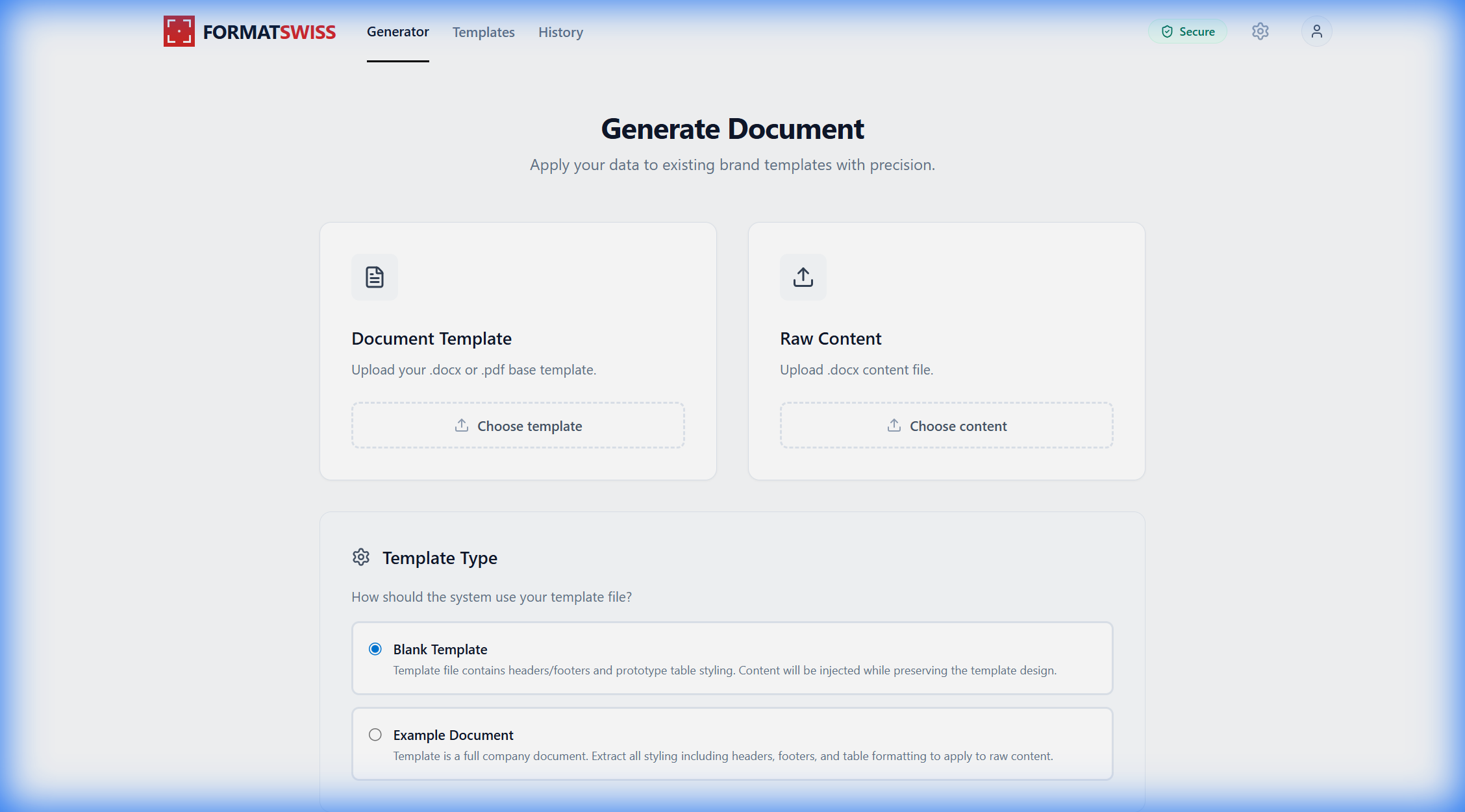
The interface is simple by design - just a few clicks to get your document ready!
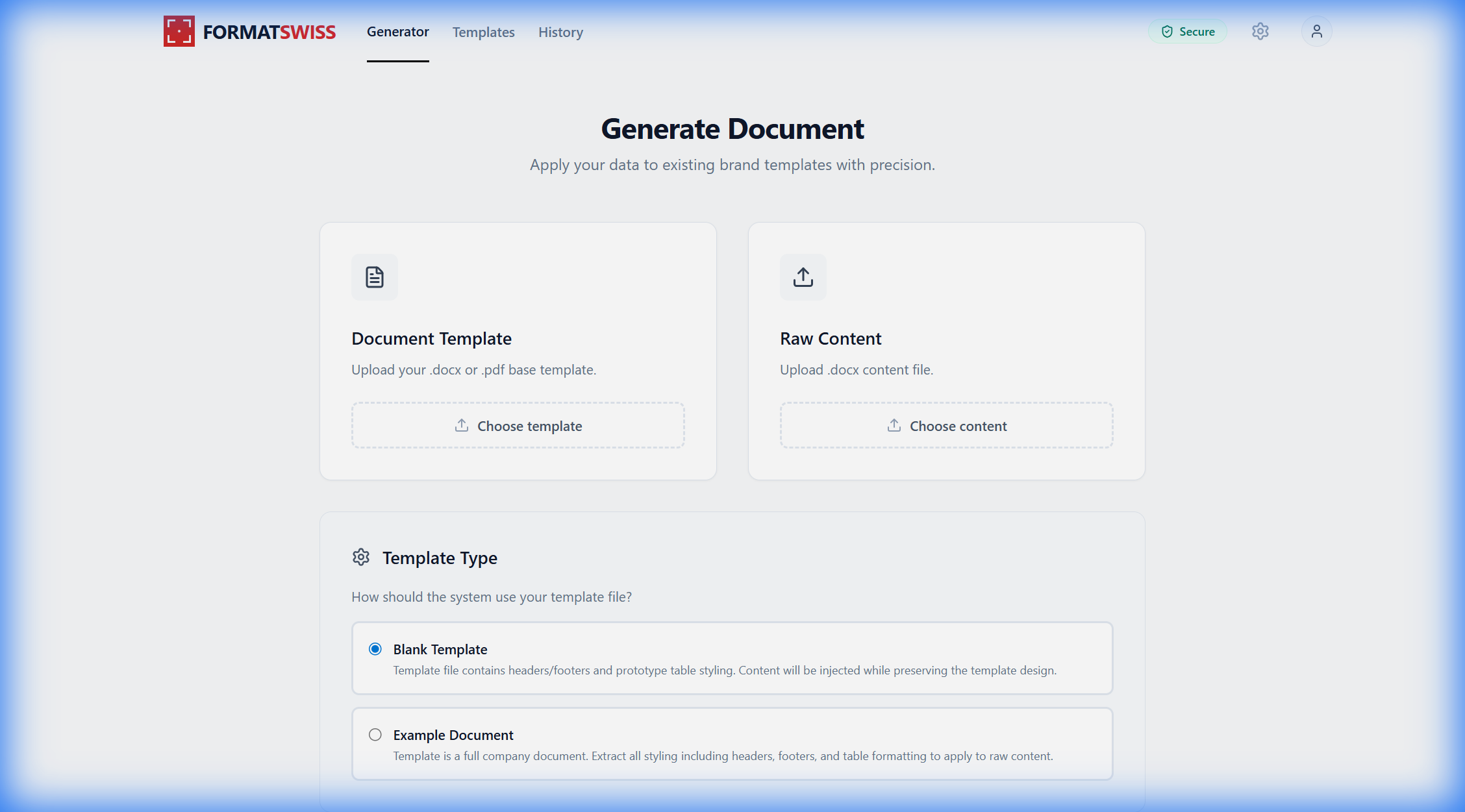
Upload Your Files
You need TWO files:
Document Template
This is your company's branded document - it has your logo, formatting, headers, footers, and styling already set up.
Example: Your company letterhead template
Raw Content
This is your actual content - the text you want to appear in the final document. Don't worry about formatting!
Example: Your letter text, report content
Important:
Both files must be in .docx format (Microsoft Word documents). If you have a PDF, you'll need to convert it to .docx first.
Choose Your Template Type
Tell us how you want to use your template file:
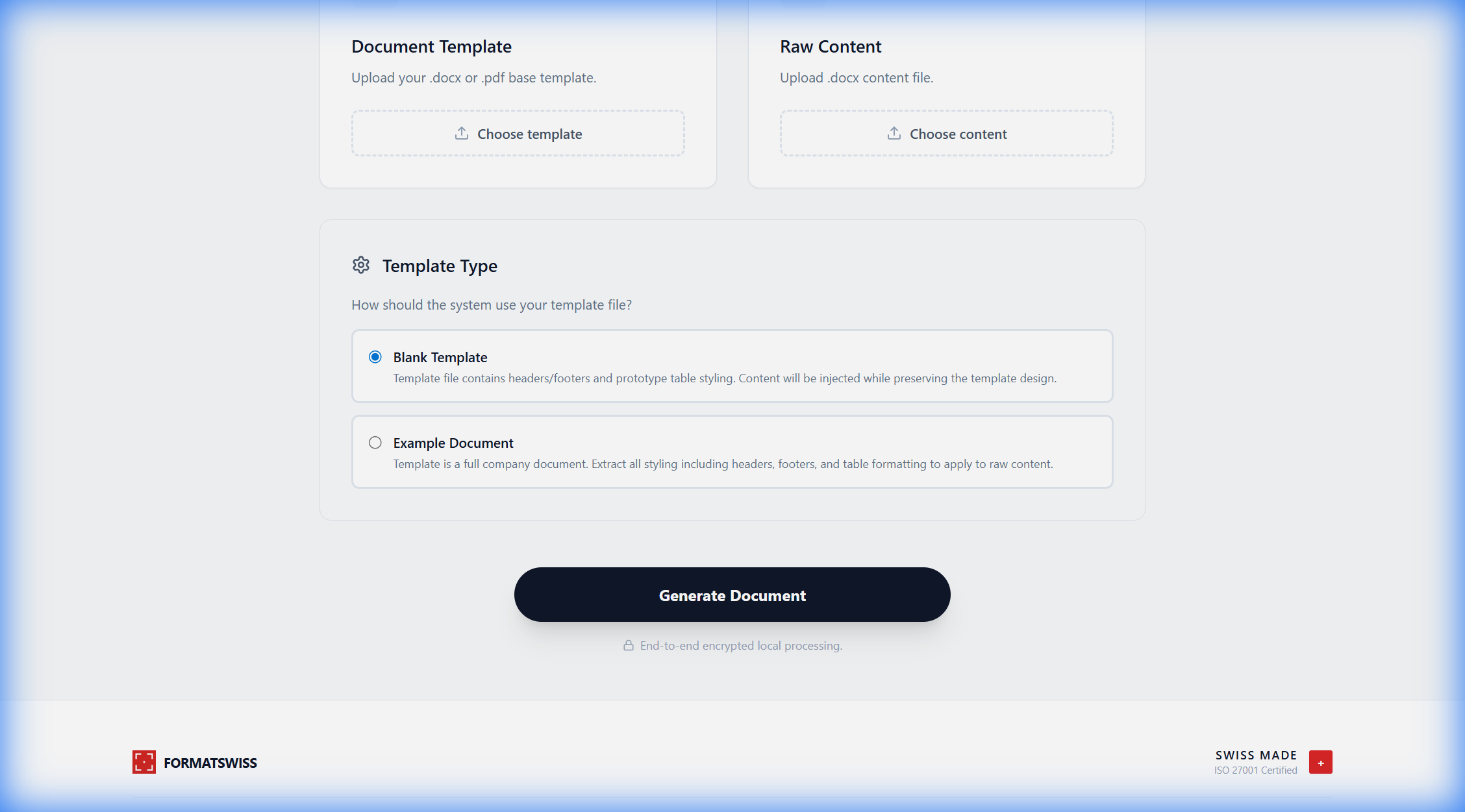
Blank Template
Choose this when your template is like a blank form - it has the design and formatting set up, but it's empty and ready for your content to be filled in.
👍 Choose this when:
- Your template file is mostly empty
- It just has headers, footers, and styling
- You want to fill it with completely new content
Example Document
Choose this when your template is a complete document with example content. We'll extract the styling from it and apply it to your new content.
👍 Choose this when:
- Your template has full sample content
- You want to copy its exact formatting style
- You're replacing the content but keeping the look
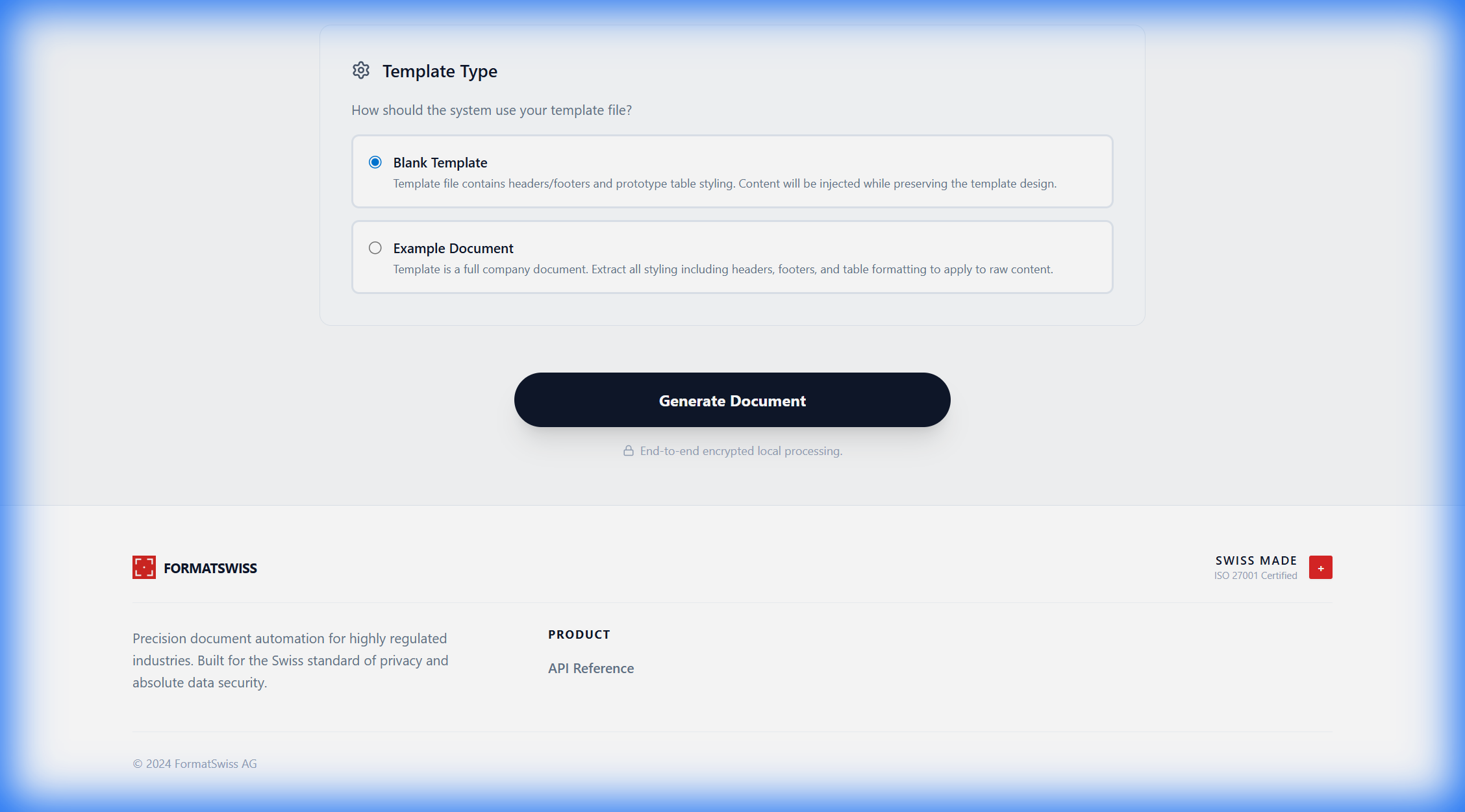
Generate Your Document
Click the "Generate Document" button and wait a few seconds while we create your perfectly formatted document.
Processing Time
Usually takes 5-15 seconds depending on document size
Your Privacy
All processing happens securely and your files are never stored permanently
Download Your Result
Once processing is complete, a green "Download Document" button will appear. Click it to get your finished document!
🎉 That's it!
Your document is now ready with your content beautifully formatted using your company's template. Open it in Microsoft Word to review and make any final edits if needed.
Tips for Best Results
Use .docx files
Both your template and content should be Microsoft Word .docx format for best compatibility
Clean content files
Your content file should focus on text - don't worry about fonts, colors, or formatting
Test with small files first
If it's your first time, try with a short document to get familiar with how it works
Review before sending
Always open and review the generated document before sharing it with others
Common Questions
What if my files are in PDF format?
You'll need to convert PDF files to .docx format first. You can use free online converters or open the PDF in Microsoft Word and save it as .docx.
How long are my files stored on your servers?
Your files are processed immediately and deleted shortly after. We don't permanently store your documents for privacy and security.
Can I use this for very large documents?
Yes! However, very large documents (100+ pages) may take longer to process. For best results, try to keep documents under 50 pages when possible.
What if the result doesn't look right?
Try using the other template type option. If you used "Blank Template", try "Example Document" instead, or vice versa. Each works better for different types of templates.
Ready to Create Your Document?
Start generating perfectly formatted documents in seconds
Go to Generator